

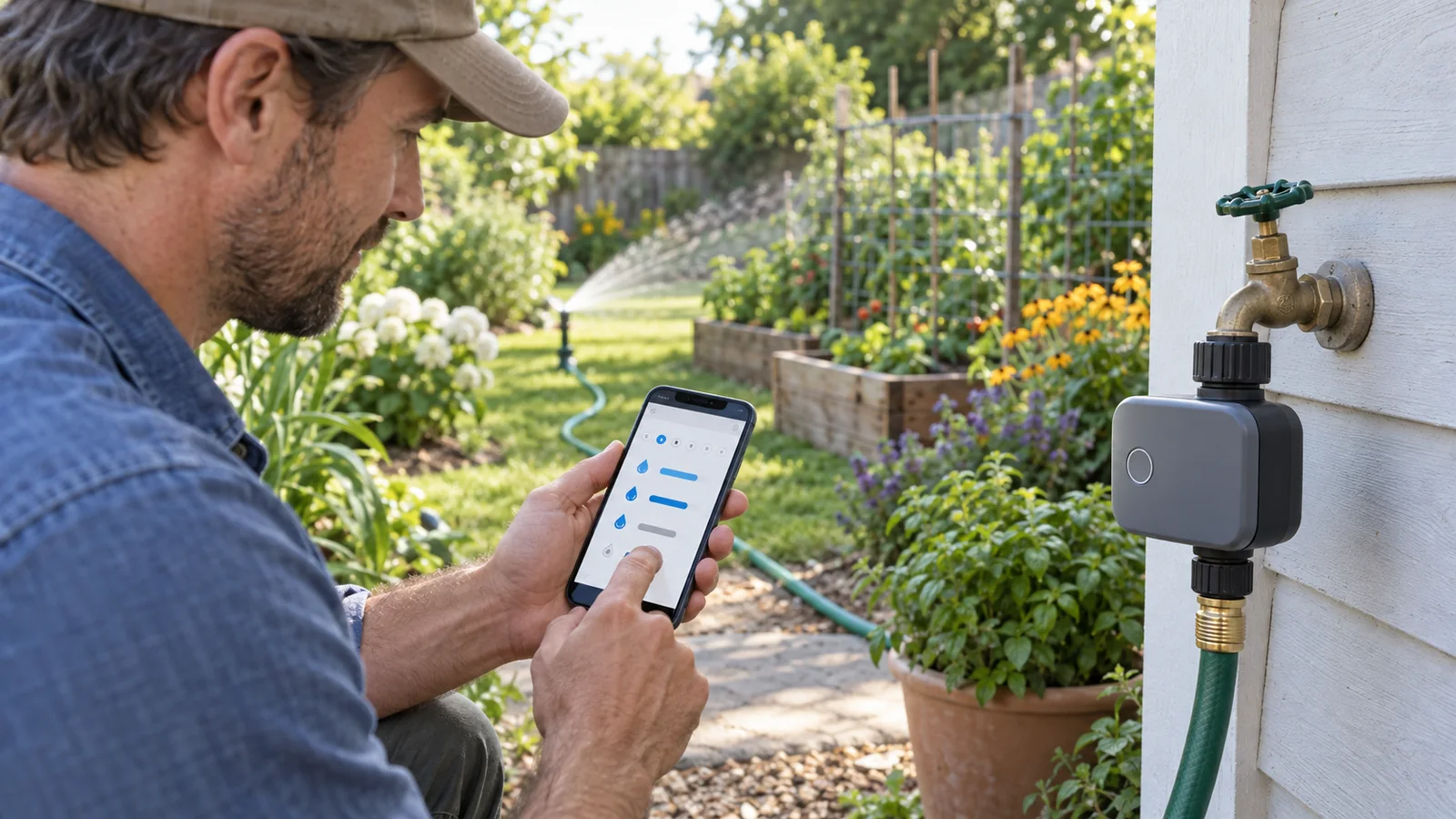
Identify GARDENA Smart Water Control 19103-20
Separate model identification from condition. A seller may use the same “smart water control” name for the valve alone, a starter set or a later generation. Ask for photographs of the label and all included parts before purchase, especially when the unit is listed as used or open box. Match the article number and EAN on the packaging to the official product page, then compare the manuals for that exact article. A marketplace title or image is not enough to establish that the Gateway, power supply and valve belong to the same set.
The article number matters because GARDENA has sold several Smart Water Control products and sets. The official GARDENA page identifies article 19103-20 with EAN 4078500018906 and labels it a Legacy Model. Match both the article number and EAN on the box or seller page rather than assuming that a photo or a similar product name identifies the same package.
GARDENA’s 19103-20 product and manual page is the primary source for identification and documentation. A later article number or a valve sold on its own should not be treated as the same set.
What the 19103-20 set includes
Make an inventory before setup. The set description identifies a valve and Gateway, but a secondhand package may be incomplete. Compare each included item with the official manual and ask whether any power accessory, cable or mounting part is missing. Do not substitute a visually similar accessory unless GARDENA documentation confirms compatibility. Keep packaging and the seller’s return terms until you have confirmed the unit can be registered and connected in your country.
The Gateway is part of the smart-system path between the valve and the app; the valve should not be treated like a standalone WiFi faucet timer. Place the Gateway where the manual permits, near power and a reliable network connection. Avoid locating it inside a metal cabinet or behind thick walls without checking signal. The exact setup route can depend on the Gateway generation and app version.
The product is named a “Smart Water Control Set,” and GARDENA’s product material describes a smart Water Control with a smart Gateway. The Gateway links compatible smart-system devices to the GARDENA app; do not assume the valve communicates with a phone or home Wi-Fi by itself. Before buying, ask the seller to confirm that both units and their power accessories are present and to show the article number on the packaging.
The online product page groups manuals for several article numbers. Read the section for the exact device and use the included instructions if they differ. This matters for a legacy set because a missing Gateway, power adapter or region-specific plug can change whether the package is usable.
Battery, pressure and connection specifications
Use the pressure range as a compatibility check, not as a promise of flow at every outlet. Measure or confirm the available supply pressure using a suitable method and compare the rest of the irrigation equipment’s limits. A downstream micro-drip line, filter or pressure reducer may have its own requirements. The weakest component determines whether the full arrangement is suitable.
Check tap threads before fitting the valve. Confirm whether the local faucet uses G 3/4 or G 1 and use only a compatible adapter listed by the manufacturer. Do not force a mismatched thread; cross-threading can damage the tap or housing and cause a leak. Use the batteries specified for the model, install them according to polarity marks and replace them as directed in the manual. Avoid mixing old and new cells or using an unapproved rechargeable type.
| Check | GARDENA documentation for 19103-20 | Why it matters |
|---|---|---|
| Power | 3 × 1.5 V AA alkaline batteries (LR6), not included | Confirm battery compartment condition and use the specified type. |
| Operating pressure | 0.5–12 bar | Check the available water pressure and any downstream device requirements. |
| Tap thread | 26.5 mm (G 3/4) and 33.3 mm (G 1) | Match the adapter to the local tap and installation. |
| App control | GARDENA smart system app; online registration required | Verify that the Gateway and app service are supported in your market. |
These are published specifications, not a guarantee of performance in a particular garden. Use the exact article’s operating manual for setup, frost precautions and any pressure or connector limits not shown in the summary.
Gateway, app and compatibility checks
This valve controls one hose-end connection. It is not a substitute for a controller that independently operates several wired irrigation zones. If your garden has separate beds with different water needs, consider whether one schedule is appropriate at all. You may need separate valves or a different system, but confirm the manufacturer’s supported arrangement and local water rules before expanding.
Also check where water will go when a schedule runs unattended. Test the outlet and downstream line while present, inspect joints and confirm that the tap can be closed manually. Keep the valve accessible and protect it from conditions prohibited by its manual. Automation reduces routine switching but does not remove responsibility for checking leaks, blocked emitters or unexpected rainfall.
Complete setup checks in this order: confirm the article and package; read the matching manual; verify the faucet thread and pressure; confirm the Gateway can reach power and the network; then install the valve according to the instructions. Keep the device closed until the connection is secure and leak checks are possible. If any adapter does not seat cleanly or a connection leaks, shut off the water and correct the fitting rather than tightening harder.
The manufacturer’s manual describes the Gateway connection and app flow for supported devices. Review the current instructions for network setup, account registration, updates and device pairing because software screens can change. A device that cannot complete registration may have a regional service issue, weak network, incomplete set or app compatibility problem. Record the exact error and model before contacting the seller or GARDENA support.
- Confirm that the listing says article 19103-20 or EAN 4078500018906.
- Check that the smart Gateway is included and has the required power adapter.
- Confirm that your router and mobile device can use the current GARDENA smart app and that registration is available in your country.
- Compare the tap thread and the irrigation device connection with the manual; add only compatible adapters.
- Check local service, warranty and return terms for a legacy model before installation.
This is a single water-control valve set, so do not assume it replaces a multi-zone wired controller. For a broader comparison by installation type, see our guide to smart irrigation timers.
What to check before buying a legacy model
Think through failure cases before automating a tap. Know how to close the faucet, what the system does during a power or network interruption, and how you will notice a valve stuck open or a blocked line. Do not assume an app alert is available unless the exact manual documents it and you have confirmed the account can be used. For a balcony or garden that could be flooded, stay nearby during initial tests and inspect the connection after each change.
Seasonal maintenance should follow the manual, particularly before frost or storage. Disconnect and protect the valve only as the manufacturer instructs; do not leave water trapped in a device if the manual warns against freezing. Store the model number, manual and purchase information together so a future owner can identify the set accurately.
Assess a legacy set by total setup cost and serviceability, not just the price of the valve. A complete Gateway, suitable power accessory, correct tap adapter and a supported app account may be necessary. Check whether the seller offers a return period if registration or pairing cannot be completed. For a used unit, inspect the battery compartment for corrosion, cracks or water damage and confirm the thread is not deformed. Do not open or repair the electronics unless the manufacturer provides instructions for that work.
Compare the 19103-20 against current products by the exact job: hose-end watering versus wired multi-zone irrigation, number of outlets, network dependencies, local support and warranty. Do not transfer features from a newer model to this legacy product. If parts or regional support cannot be confirmed, a current documented alternative may be easier to maintain over several seasons.
GARDENA marks 19103-20 as a legacy model. That status is separate from whether a third-party seller currently has a unit. Check the package condition, proof of the exact model, included Gateway, battery corrosion, seller return policy, regional radio/app support and whether current replacement parts are available. For a new installation, compare against the manufacturer’s current product range rather than assuming that a used device will register or receive the same service.
Use a supervised commissioning checklist
Before relying on an automated schedule, inspect the set against its exact manual. Check the housing, battery contacts, tap thread and downstream fittings while the water is off. Attach only a confirmed compatible adapter, open the supply carefully and remain nearby while checking every joint for leaks. If a connection drips or the valve does not seat correctly, close the tap and resolve the fitting before pairing the device.
Follow the official app instructions to connect the Gateway and pair the valve. Record the model, app version and any error message if registration or pairing fails. Do not assume the unit is online just because the app opens; verify the device status using the documented method. Once paired, run a short supervised watering test and inspect the entire hose or drip line for leaks, blocked emitters and unexpected runoff. Confirm that the manual shutoff remains accessible.
Only after the physical system and connection have been checked should you set a schedule. Start from local watering rules and the needs of the plants in that zone, then observe the root zone and adjust. Keep weather or app automation as an aid, not proof that irrigation occurred correctly. This checklist follows the manufacturer's documentation; it is not a hands-on performance test of a used or newly purchased set.
GARDENA Smart Water Control Set, article 19103-20
- ✓ Listing identity previously matched to article 19103-20; verify package and availability again before purchase.
- ✓ GARDENA identifies the article as a legacy model.
Check current price and availability on Amazon.com.
Frequently asked questions
What is GARDENA Smart Water Control 19103-20?
It is a legacy GARDENA Smart Water Control Set, article 19103-20 (EAN 4078500018906). GARDENA provides product documentation for this article number; check the exact listing and manual before buying a used or remaining-stock unit.
Does the GARDENA 19103-20 set include a gateway?
GARDENA identifies the product as a Smart Water Control Set and its documentation refers to the smart Gateway. Confirm the box contents on the regional product page and the seller listing, because similar GARDENA smart products and later sets have different article numbers.
Which batteries and operating pressure does model 19103-20 use?
GARDENA specifications for article 19103-20 state three 1.5 V AA alkaline batteries (not included) and a working-pressure range of 0.5–12 bar. Check the manual for connector and installation details.
Can the Smart Water Control valve use the app by itself?
The 19103-20 set is part of the GARDENA smart system and uses a smart Gateway for app communication. Confirm that the gateway is included, powers on and can be registered in the app before relying on remote control.
Is the GARDENA 19103-20 still sold as a current model?
GARDENA labels article 19103-20 as a legacy model on its international product page. Availability and app support can vary by market and seller; verify both directly before purchase.
Keep setup records with the model
Keep a photo of the article number and EAN, the seller’s description, the manual version and any regional support response together. If the set is passed to another gardener, these details prevent a later owner from confusing the legacy package with a newer valve. Record the adapter and downstream irrigation parts used so the complete connection can be checked if a leak or compatibility question appears.
Sources and method
- GARDENA: Smart Water Control Set, article 19103-20 and product manuals — model identity, legacy status and official documentation.
- GARDENA: 19103-20 technical data — batteries, operating pressure, thread and app control; regional version of the manufacturer’s specification page.