

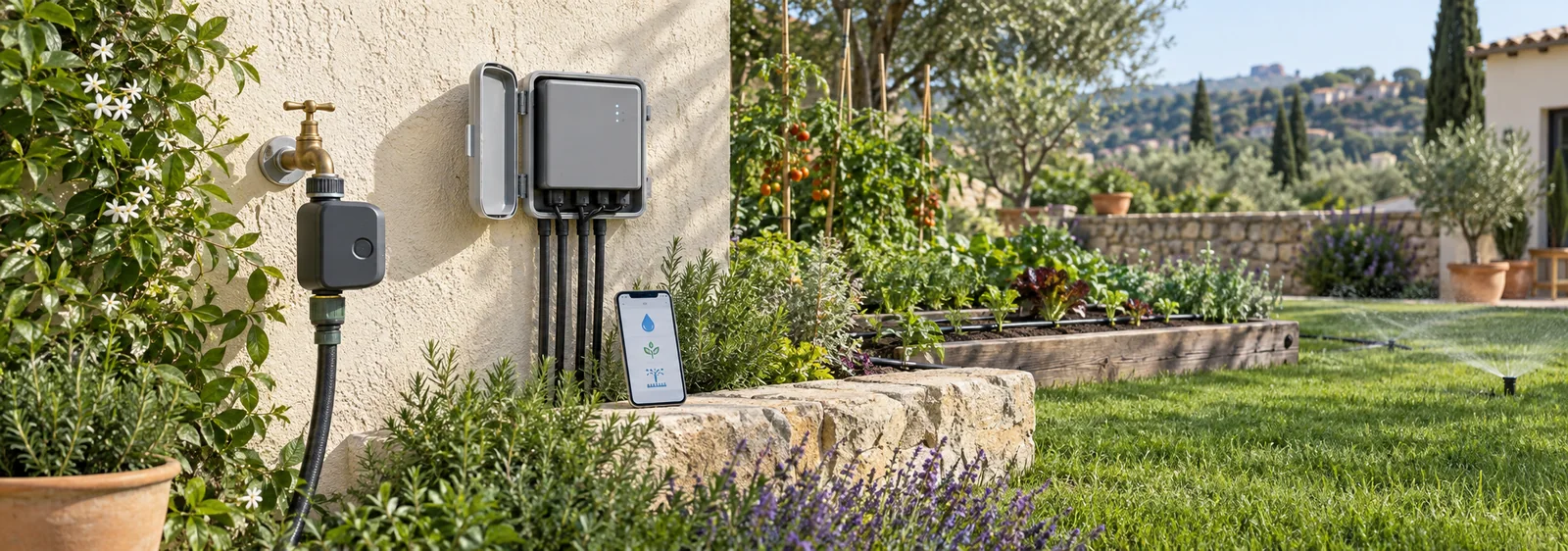
WiFi irrigation timers serve different setups. An in-ground controller replaces or connects to an existing multi-zone controller, while a hose-end unit attaches to a compatible outdoor faucet. Check the number of zones, wiring or faucet requirements, connectivity, and local compatibility before choosing a model.
Rachio 3 Smart Sprinkler Controller, 8-zone model
- ✓ Amazon.com listing identifies this as the 8-zone Rachio 3 controller.
- ✓ Check the current model and manufacturer instructions for wiring, compatibility, power and installation details.
Check current price and availability on Amazon.com.
GARDENA 19103-20 smart Water Control Set
- ✓ Amazon.com listing identifies model 19103-20 as a smart Water Control Set.
- ✓ Check the current listing and GARDENA documentation for included parts and regional compatibility.
Check current price and availability on Amazon.com.
Compare the intended installation type
Do not compare a hose-end valve and a wired multi-zone controller as if they were interchangeable. The former manages flow at a compatible faucet; the latter operates installed irrigation valves and depends on the existing wiring and power arrangement. If you are replacing an older controller, photograph the wiring and note every active zone before shopping. If you are adding a hose timer, inspect faucet thread, pressure and downstream equipment instead.
Look for the exact model number in the manual and confirm what the package includes. Regional versions may differ in plugs, radio approvals, app availability or accessories. A retailer title can combine variants, so use manufacturer documentation for compatibility and treat marketplace photos as a prompt to verify the actual box.
| Model | Intended setup |
|---|---|
| Rachio 3 | In-ground controller; verify valve and wiring compatibility |
| GARDENA 19103-20 | Hose-end set; verify included parts and compatibility |
Match the controller to your irrigation setup
The Rachio 3 8-zone controller is an option to investigate when a property already has an in-ground sprinkler system and needs multiple zones. Confirm the current model and wiring requirements against the manufacturer instructions before purchase or installation.
The GARDENA 19103-20 set is a hose-end product rather than a replacement for a multi-zone in-ground controller. Check the listing contents and GARDENA documentation to confirm that the set is suitable for your faucet, system, and intended use.
Which WiFi irrigation timer is right for you?
Make a compatibility sheet before comparing app features. Record the number of active zones, valve type, power source, available WiFi signal, faucet thread and operating pressure. Separate confirmed details from assumptions in a listing. If a landlord or installer controls the wiring or valves, get the exact equipment model before ordering.
Think about what happens if WiFi, power or the app is unavailable. Read the exact manual for local controls, schedule retention and restart behavior instead of assuming a connected timer will act as expected. Keep a manual shutoff accessible and know how to stop a leak. Weather-based features can inform scheduling but should not override local restrictions, rainfall or a check of soil moisture.
Make a compatibility sheet before comparing app features. Record the irrigation layout, number of active zones, valve type, power source, available WiFi signal, faucet thread and operating pressure. Separate what you have confirmed from what a product listing merely suggests. If an irrigation installer or landlord controls the valves or wiring, obtain the exact equipment model before purchase.
Consider what should happen if WiFi, power or the app is unavailable. Read the model’s manual for local controls, schedule retention and restart behavior rather than assuming a connected timer continues as expected. Keep a manual shutoff accessible and know how to stop a leak. Weather-based features can inform scheduling but should not override local restrictions, rainfall or a check of the soil.
Existing in-ground system: compare the Rachio 3 8-zone controller with the installed valve, wiring, power and zone requirements. Use the exact installation manual to confirm compatibility before replacing a controller.
Hose-end setup: compare the GARDENA 19103-20 set with the faucet, pressure, included components and network requirements documented for your region.
Installation guide
Before choosing a schedule, make a simple zone map. List the plants or lawn areas controlled by each valve, identify sun and soil differences, and measure how long the system takes to wet the root zone without runoff. A single schedule can overwater shade plants while underwatering a sunny container line. Set up the controller according to the exact manual, then test one zone at a time while observing emitters, sprinklers and drainage.
After installation, review the schedule after rain, seasonal changes, new planting or repairs. A smart forecast may not match a sheltered patio or a container beneath an eave. Keep local water-use restrictions in mind and check that sensors, if used, are compatible and installed correctly. Do not claim savings from a controller without measurement over comparable conditions.
What you need before installing
Before installation, identify whether your setup uses wired in-ground valves or a hose connection. Check the exact controller manual, transformer or power supply, valve type, faucet threads, and network requirements. Do not connect equipment until the manufacturer documentation confirms compatibility.
Replacing an existing timer (Rachio 3)
Before replacing an in-ground controller, photograph the existing wiring and label each conductor while it is still connected. Switch off power according to the existing system's instructions, then compare the exact valve, wiring and power requirements with the Rachio installation guide. Terminal labels and layouts are model-specific, so do not assume that an existing label maps directly to the new controller. If the wiring or power source is unclear, stop and ask a qualified irrigation installer. Complete setup and zone testing only as directed in the manual for the exact model.
Installing as a first timer (Rachio 3 on new construction)
For a new in-ground system, first confirm that the exact controller model supports the installed valves, wiring arrangement, power source and intended number of zones. Follow the manufacturer's installation guide for cable routing, connections, mounting and commissioning. Do not energize or connect unidentified conductors; have an irrigation professional check the installation if any requirement is uncertain.
Connecting to your phone
For connected products, follow the manufacturer app and network setup instructions for the exact model. Confirm that the device supports your WiFi band and that the installation location has adequate signal. App features and connected services can vary by model and may change over time.
Setting your first watering schedule
Scheduling tools differ by model, region and connected service; do not assume that a controller asks for particular garden details or automatically changes a schedule in a particular way. Start with local watering rules and the needs of the plants in each zone. Check soil moisture and rainfall, then use the model's documented controls to set and review a schedule. Treat weather-based adjustments as an aid, not a substitute for checking site conditions.
How connected controllers schedule irrigation
Connected features may change when a watering schedule runs, but the available inputs depend on the model and settings. Any schedule still needs to reflect the plants, soil, rainfall and local watering rules.
Weather-based scheduling
A fixed timer follows its programmed schedule. A connected controller may adjust a schedule using weather or other inputs, but the available functions depend on the model, service, settings, and local conditions. Do not assume a water-saving percentage; set and review irrigation according to plant needs, rainfall, soil, and local watering rules.
How rain skip works
Some connected controllers can use forecast data or a separate rain sensor to delay a scheduled cycle. The exact method depends on the model and settings. Follow the product manual and local watering guidance; a forecast is not a substitute for checking soil moisture and plant needs.
Optional soil sensors
Some irrigation systems support separate soil sensors. Verify that a sensor is compatible with the exact controller and follow its installation instructions; do not assume it is included in a controller set.
Compatibility and technical requirements
Multi-zone vs single-zone timers
Zone capacity is one of the main distinctions between controller types. An in-ground controller operates the number of wired valves supported by that exact model; hose-end products are designed for faucet-connected equipment. Check the product model and manual before planning a system. Separate plant groups by their watering needs rather than assuming one schedule suits every area.
Power requirements
Power requirements differ by model. Check the product label and manual for the exact power supply and installation conditions before purchase.
Compatible irrigation systems
Compatibility depends on the exact model, valve wiring, power supply, faucet connection, required pressure and connected equipment. Check the manufacturer manuals before attaching a timer to an existing system.
App and smart-home integration
App and smart-home integrations vary by exact model and may change. Check current manufacturer documentation for the controller, app version, region and voice assistant before relying on a particular integration.
Frequently asked questions
Confirm controller fit before comparing connected features. Count the existing zones, identify valve voltage and wiring, note whether a pump or master valve is used, and check the Wi-Fi signal at the installation point. Rachio’s official documentation says Rachio 3 supports several zone-count variants and specifies sensor and network requirements; the app and exact model matter. See Rachio’s manuals and technical specifications and GARDENA’s product and manual page for article 19103-20. The product information above is not an installation test.