

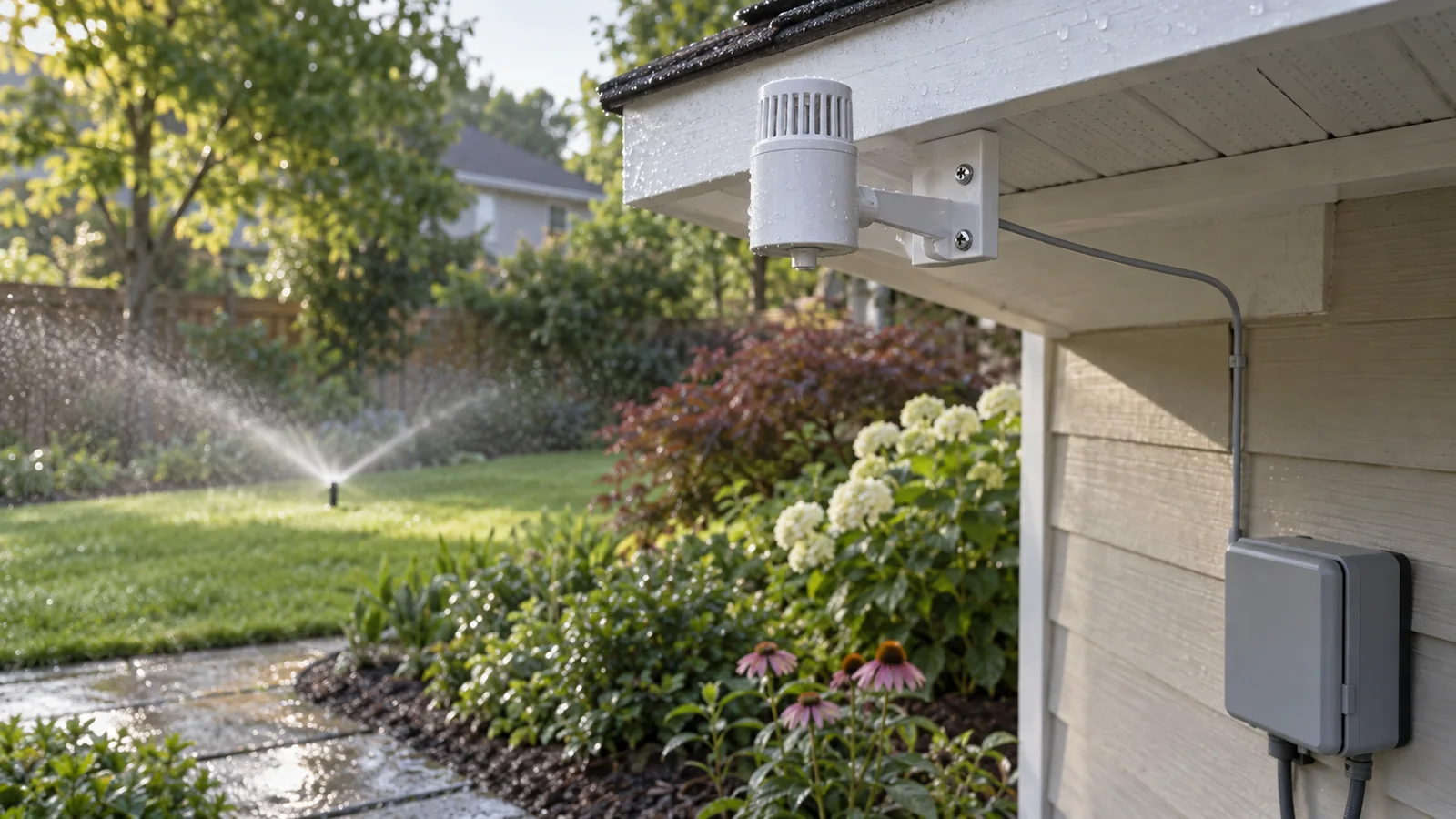
GARDENA 1189-20 Rain Sensor specifications
GARDENA identifies this product as Rain Sensor electronic, article 1189-20, EAN 4078500118903. Its regional product information gives a 5 m connection cable and plug, one 9 V alkaline battery (not included), and an estimated battery life of about one year. It can be fixed on a suitable surface or placed in a bed using the supplied spike. The technical details belong to this wired sensor; they do not describe a radio sensor or a newer GARDENA model.
| Detail | GARDENA article 1189-20 |
|---|---|
| Product type | Wired electronic rain sensor for supported irrigation controllers |
| Article / EAN | 1189-20 / 4078500118903 |
| Connection | 5 m lead and plug, according to GARDENA regional product information |
| Power | One 9 V alkaline battery, not included |
| Battery estimate | About one year, as stated by GARDENA; actual life varies |
| Current product status | Marked discontinued on GARDENA's Dutch product page; original parts remain listed there |
These details can help identify a sensor from its label, cable and battery compartment. They do not show that a used unit is working, that a connector is undamaged or that a particular modern controller accepts it. Confirm the article number on the sensor itself and compare the connector with the manuals before connecting it.
How the wired rain sensor works
GARDENA describes the sensor as a way for automatic watering to take account of natural precipitation: watering is withheld while it is raining and stops if rain begins during a scheduled cycle. This is a control signal to a compatible irrigation controller, not a general weather station or a replacement for soil-moisture measurement. The product page describes an optical-electronic operating principle but does not publish a numerical rainfall threshold in the information reviewed here.
GARDENA says the sensor can be inserted into a bed with its spike or mounted on a fixed surface. Choose a place that receives natural rainfall and use the mounting instructions for the unit. A sensor hidden under a roof overhang, covered by foliage or positioned where sprinkler spray reaches it may not represent the rain falling on the garden. The manufacturer's general placement description does not establish one perfect location for every site, so consider roof lines, trees and sprinkler arcs before fixing it in place.
The 5 m lead limits where the sensor can be placed relative to the controller or connection point. Measure a route that avoids mower paths, sharp edging and trip hazards; do not extend or splice the lead unless GARDENA documentation explicitly allows it. Keep the connector protected from damage and water as the manual instructs. If the cable is too short for a representative rain-exposed position, do not hide the sensor near the controller simply to make the plug reach.
Controller models listed by GARDENA
GARDENA's regional product page lists specific controller families and article numbers that can connect to the 1189-20. The compatibility list is useful for checking older systems, but models and revisions have changed over time. Use the controller's full article number and manual; do not assume that every product called “Water Control” or “MultiControl” has the same connection.
| Controller family named by GARDENA | Article numbers on the sensor page |
|---|---|
| EasyControl, FlexControl, SelectControl | 1881, 1883, 1885 |
| T 1030 card, MultiControl, MultiControl duo | 1830, 1862, 1874 |
| MasterControl, MasterControl solar | 1864, 1866 |
| 4040 modular, 4030, 6030 multi-channel units | 1276, 1283, 1284 |
| 9 V control module, planter irrigation set | 1250, 1407 |
This is the compatibility list published on GARDENA's product page, not a guarantee about every unit in circulation. Where a timer has been replaced, upgraded or fitted with a third-party adapter, compare its own manual and connector diagram. If the controller's model number is absent from the list or the plug has been modified, ask GARDENA support before connecting the sensor.
Checks before installation and setup
- Identify the sensor. Confirm the label says article 1189-20 and inspect the cable, plug, spike and housing for cracks or repairs.
- Identify the controller. Read its model and article number from the rating label; compare them with GARDENA's supported list and the exact controller manual.
- Check the battery. The sensor uses one 9 V alkaline battery, not two AA cells. Follow the manual for access and polarity, and replace a leaking or corroded battery safely.
- Plan the location. Use a rain-exposed position and the approved spike or mounting surface. Keep the sensor away from sprinkler spray and make sure its cable reaches without a hazardous extension.
- Reconnect and verify. Follow the controller manual's sensor setup and test procedure. Confirm that the timer responds as described before leaving an automatic schedule running.
This checklist identifies compatibility questions; it is not a wiring guide. Do not open a sealed electronic unit or modify a cable to make the connector fit. If the sensor, plug or controller shows heat damage, corrosion or intermittent operation, disconnect it and use a qualified repair service.
Basic checks if watering does not stop
If a compatible timer continues watering during rain, first confirm that the sensor is connected to the designated socket and that the controller is programmed to use it. Some controllers can have sensor input disabled or assigned differently. The exact menu and test method depend on the controller model, so follow that manual instead of using steps for another timer.
Next check whether the sensor is receiving rainfall. A position beneath an overhang or dense canopy can stay dry while the lawn is wet. Inspect the connection cable for crushing, cuts or a loose plug, then check the battery condition and contacts. If the controller still ignores the sensor after these checks, stop and contact GARDENA or an irrigation technician; avoid opening or bypassing the sensor electronics.
The reverse problem is also possible: a sensor may remain wet and suppress scheduled watering after the rain has passed. Confirm the sensor is clear of sprinkler spray, debris and standing water and allow it to dry as the manual describes. Do not shorten the manufacturer's delay or bypass a sensor without understanding the effect on the irrigation schedule and plants.
When to repair or replace the 1189-20
Start with the controller rather than shopping by sensor appearance. If the controller article number is on GARDENA's compatibility list and the sensor has a sound housing, cable and plug, check the 1189-20 documentation and regional parts catalogue for the exact repair part. A spare-parts diagram does not mean that the complete sensor or each internal component is still sold, and the page is marked discontinued.
If the 5 m lead is cut, the connector is modified, the battery compartment is corroded or the unit behaves intermittently, do not splice it or open sealed electronics to keep an old schedule running. Ask GARDENA or an irrigation technician to identify the fault and confirm whether an approved part is available. When the legacy sensor cannot be matched, compare a replacement supported by the controller manufacturer; check the controller input, connector and manual before buying a sensor-only substitute.
For an older installation, the controller itself may also be near the end of its service life. In that case, compare the total cost and support status of a compatible controller-and-sensor combination. Replacing only the sensor is sensible when the controller remains supported and its manual confirms the exact connection.
Discontinued status and parts availability
GARDENA's Dutch product page marks the 1189-20 as no longer used/discontinued while still displaying original spare parts and documentation. That points to a legacy-support use case rather than a new-product recommendation. The presence of a parts diagram does not guarantee that the complete sensor is available in every country, or that each spare part is in stock locally.
Amazon.com ASIN B002VED4QK identified the GARDENA electronic rain sensor but showed no active offer in the check recorded on 10 October 2026. We therefore do not show an Amazon purchase button or price. Before buying a used sensor, ask for a photo of the article label, connector, cable and battery compartment; confirm controller compatibility and return conditions. A similar-looking sensor may have a different output or plug.
If the exact 1189-20 cannot be sourced or does not fit the controller, compare current wired sensors from the controller manufacturer rather than choosing by appearance. The rain sensor guide covers the general checks, while the separate Rain Bird RSD-BEx guide and Hunter Mini-Clik guide document different sensor models and do not imply GARDENA compatibility.